
Tasks Update: Improved Visibility and Automated Client Reviews
We've introduced a series of improvements to the Tasks module within BAT, making it easier to manage your workload, monitor completed activities and stay on top of your ongoing client servicing responsibilities.
These improvements are designed to reduce manual administration, provide greater visibility and help advisers stay on top of their compliance responsibilities.
Greater visibility with enhanced task filters
You can now filter your tasks by start date, due date and completion date, giving you greater control over how you view and monitor your activities.
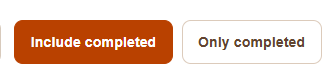
You can also choose to include completed tasks or display only completed tasks, making it easier to review historical activity and identify work carried out within a specific period.
Clearer task completion records
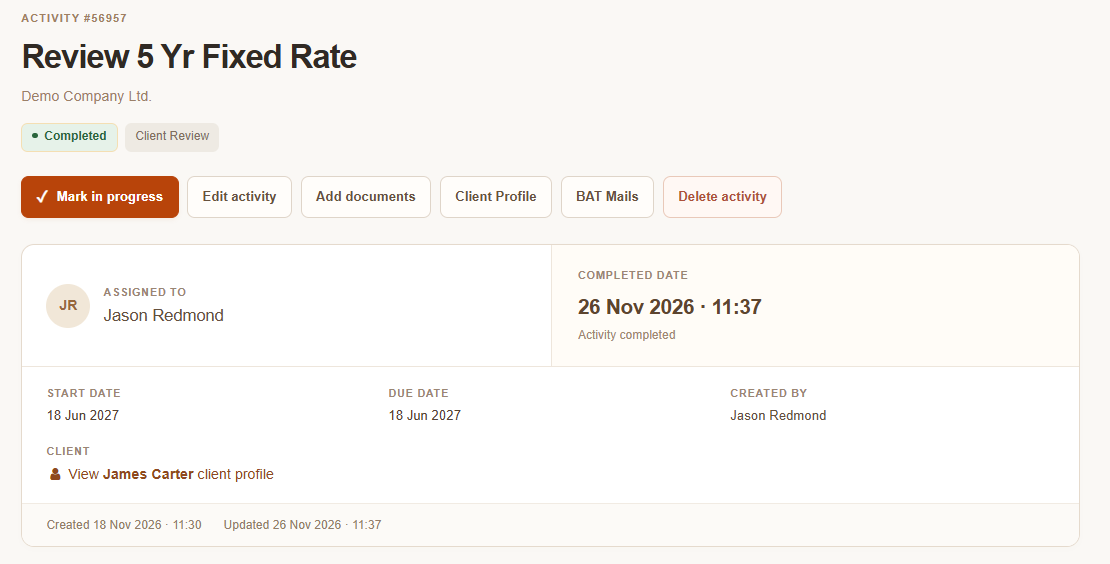
When a task is marked as completed, its completion date and time are now clearly displayed within the task itself.
This provides a clearer record of when activities were completed, improving oversight and making it easier to evidence completed work.
Automated recurring client reviews
Managing ongoing client reviews is now even easier. When a client review task is marked as completed, BAT automatically schedules the next review based on the selected recurrence frequency.
If no recurrence has previously been configured, BAT will prompt you to select one of the following options:
- Monthly
- Quarterly
- Every six months
- Annually
You can also complete the review without scheduling a recurring activity if required.
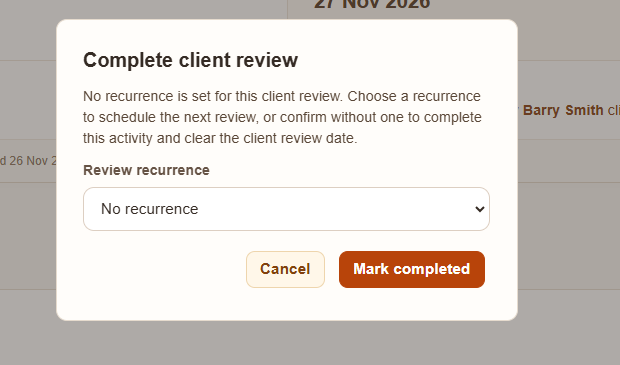
This removes the need to manually create follow-up tasks and helps advisers stay on top of their ongoing client review commitments.
Stay on top of your To Do list
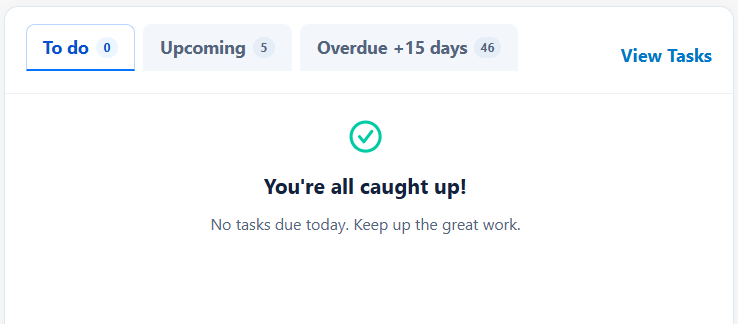
Your dashboard To Do list automatically updates as you complete tasks and client reviews, giving you a clear overview of the activities that require your attention.
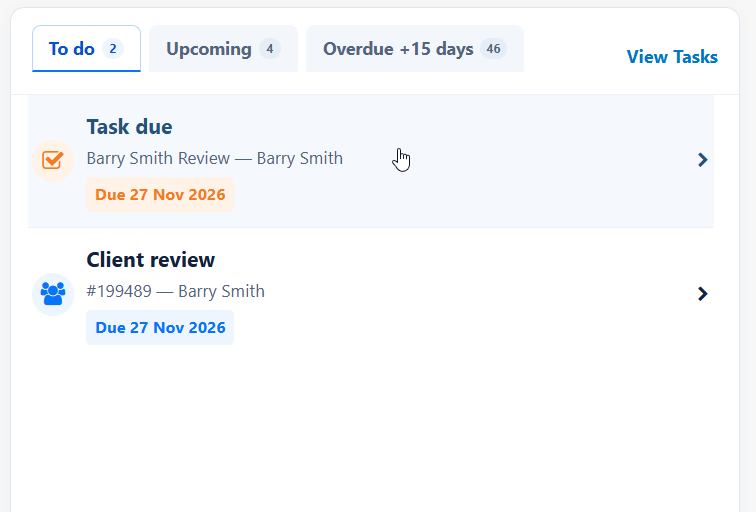
Once all activities within your To Do list have been completed, BAT will let you know that you're on top of things.
Less administration. More compliance.
These improvements are part of our ongoing commitment to simplifying compliance, reducing administrative workloads and helping financial advisers spend more time focusing on their clients.
The latest improvements are now available within BAT. Simply log in and navigate to the Tasks module to explore the new functionality.
Log in to BAT